Sheru Bhai ki photo: AI Sheru Bhai Photos to Save and Share
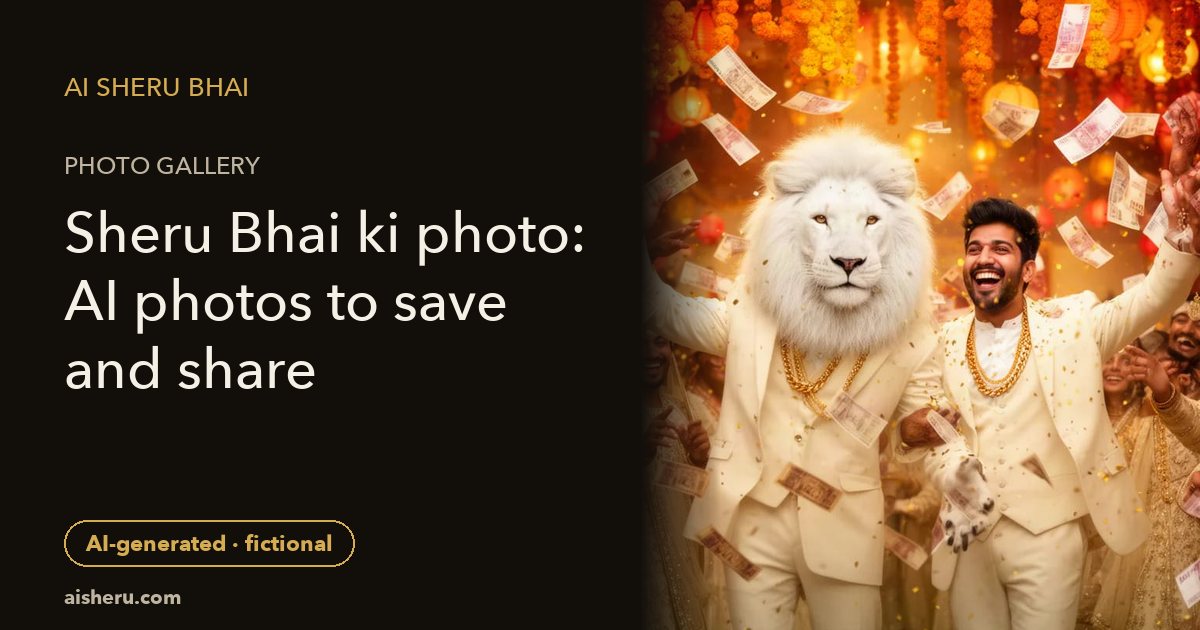
Save and share these AI-generated fictional white-lion examples, or use your selfie to make your own.
Sheru Bhai ke saath
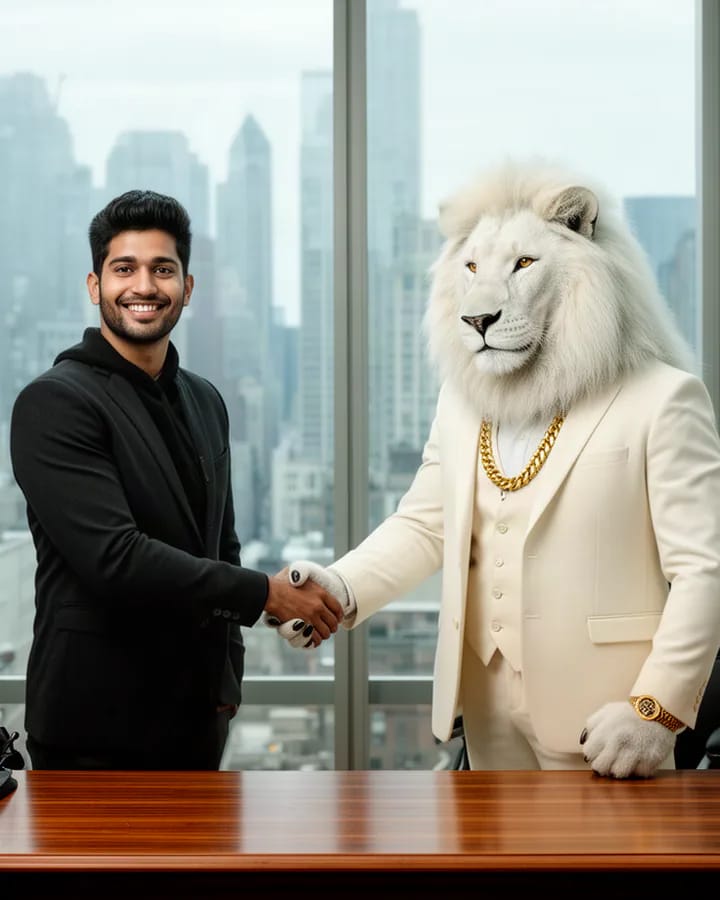
Deal sealed
A friendly handshake across an executive desk.
AI-generated
Embed
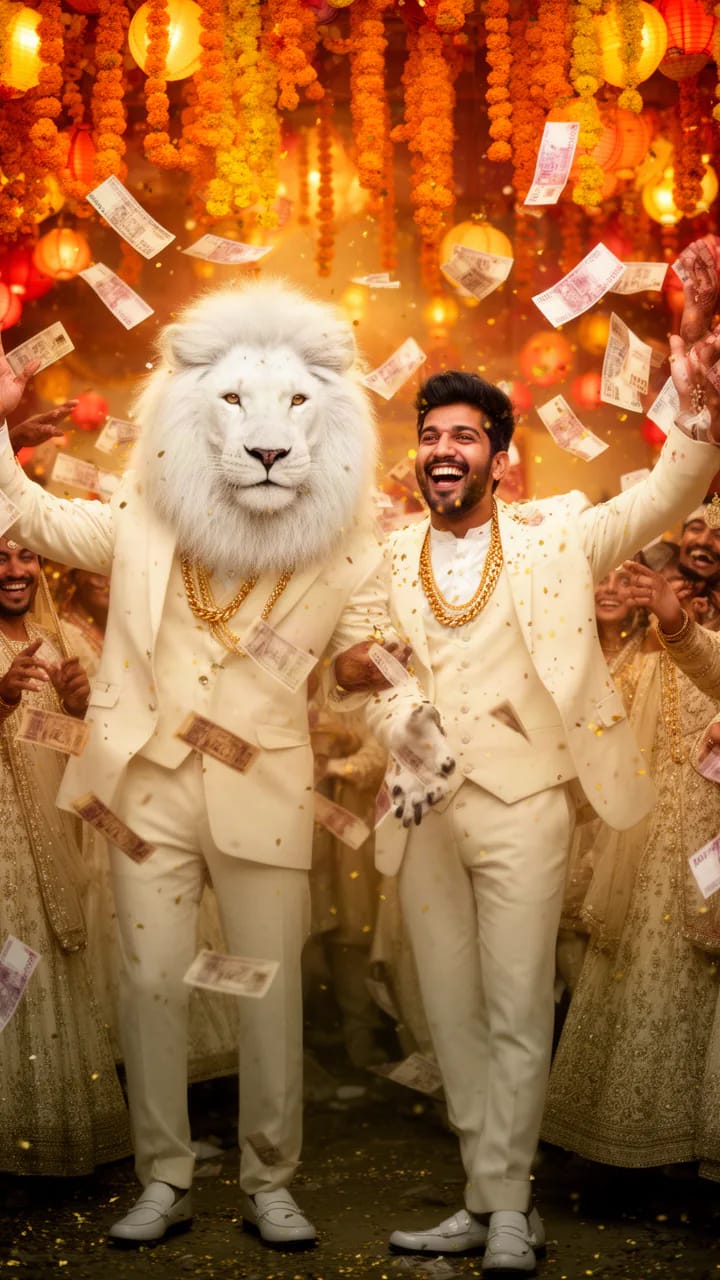
Baraat royalty
A fictional wedding procession in a tall 9:16 frame.
AI-generated
Embed
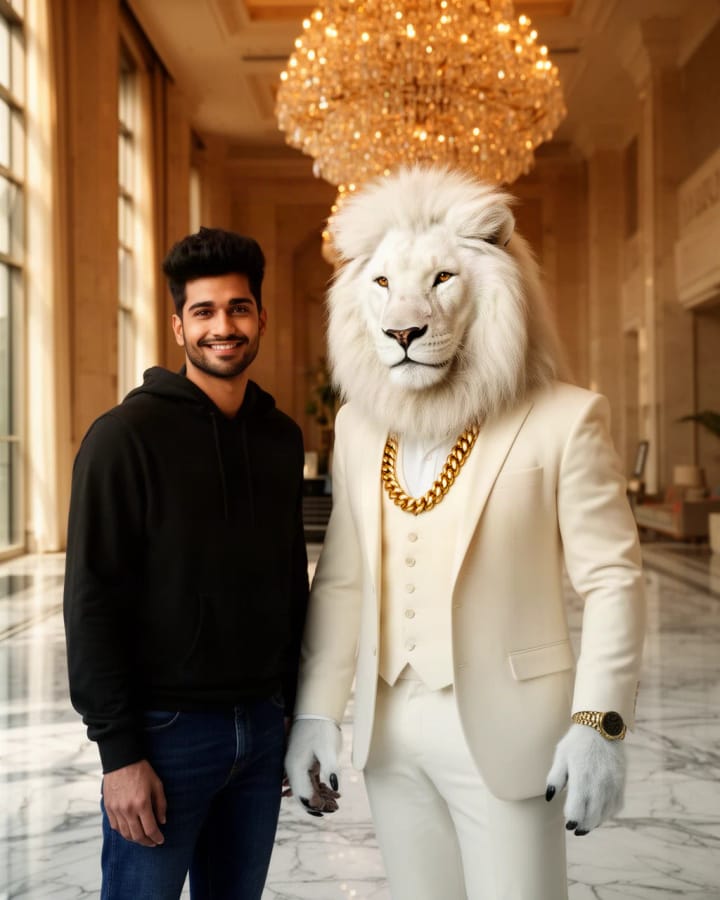
Hotel arrival
Arrive beside the white-lion boss at a grand hotel.
AI-generated
Embed
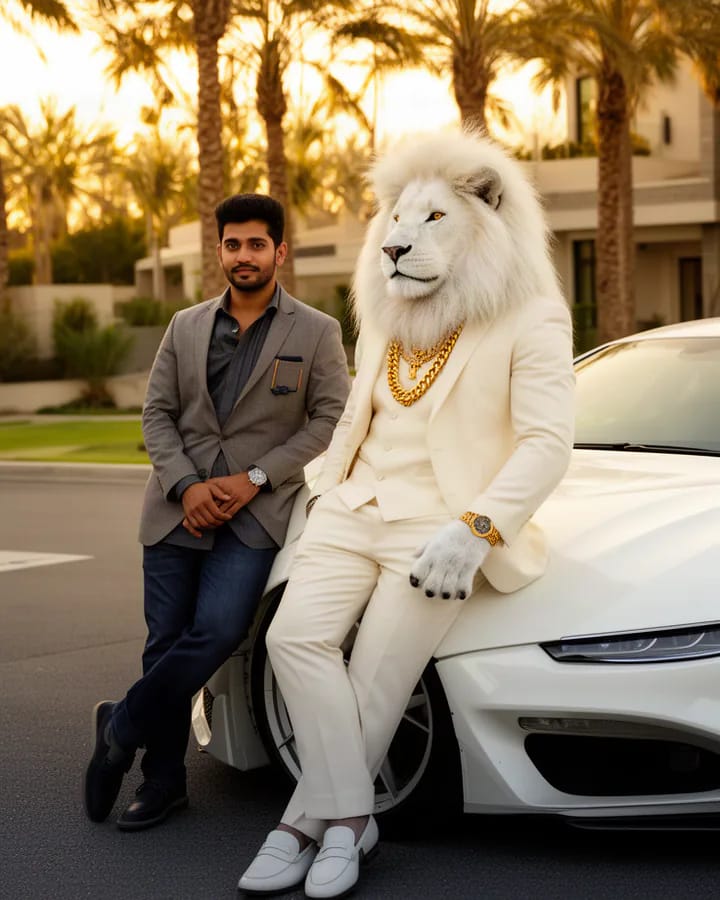
Supercar circle
Pose beside Sheru and a pearl-white sports car.
AI-generated
Embed
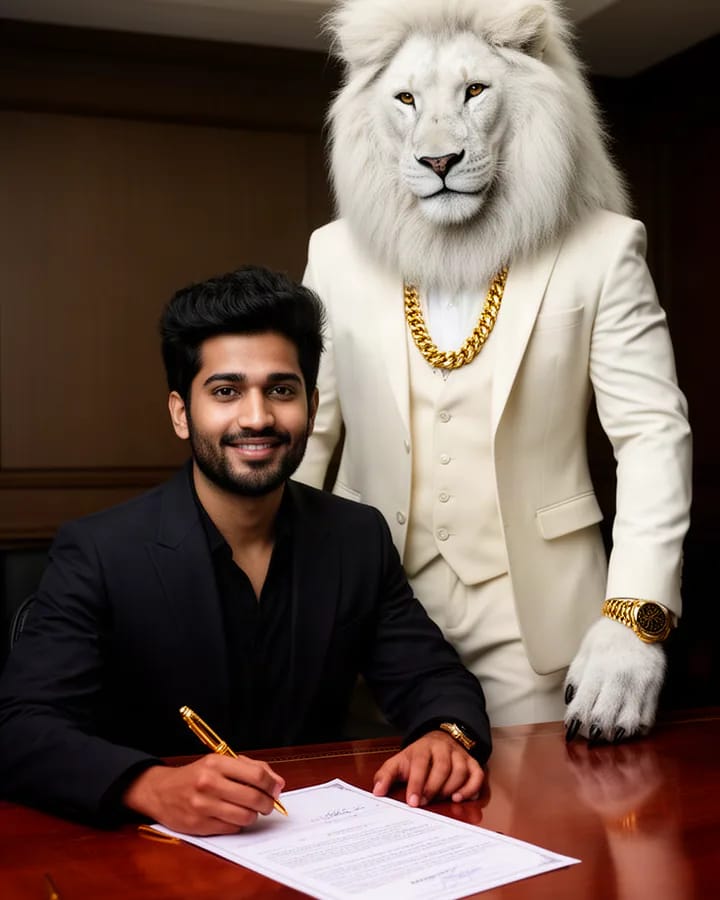
The big deal
An imagined signing moment, not a real agreement.
AI-generated
Embed
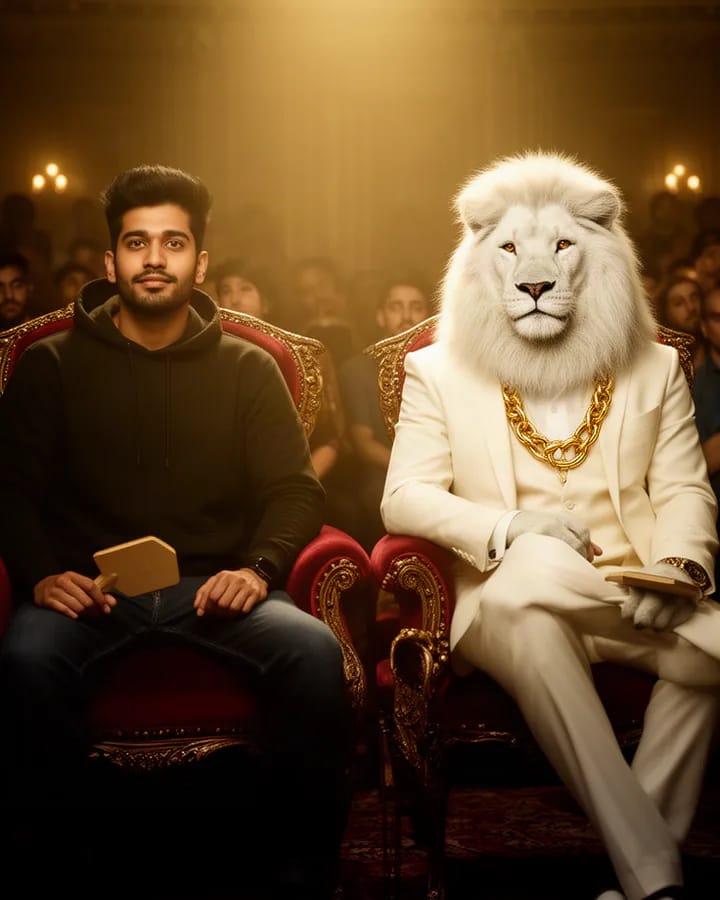
Highest bidder
Take a front-row seat at a fictional luxury auction.
AI-generated
Embed
Sheru Bhai ban jao
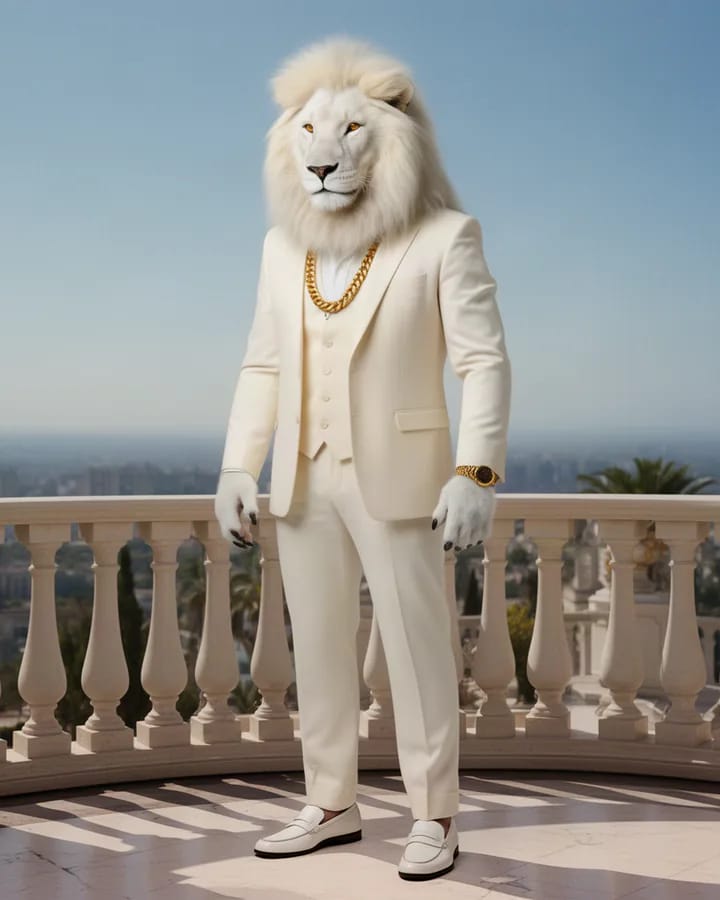
Lion boss mode
Become a white-lion boss in a fantasy portrait.
AI-generated
Embed
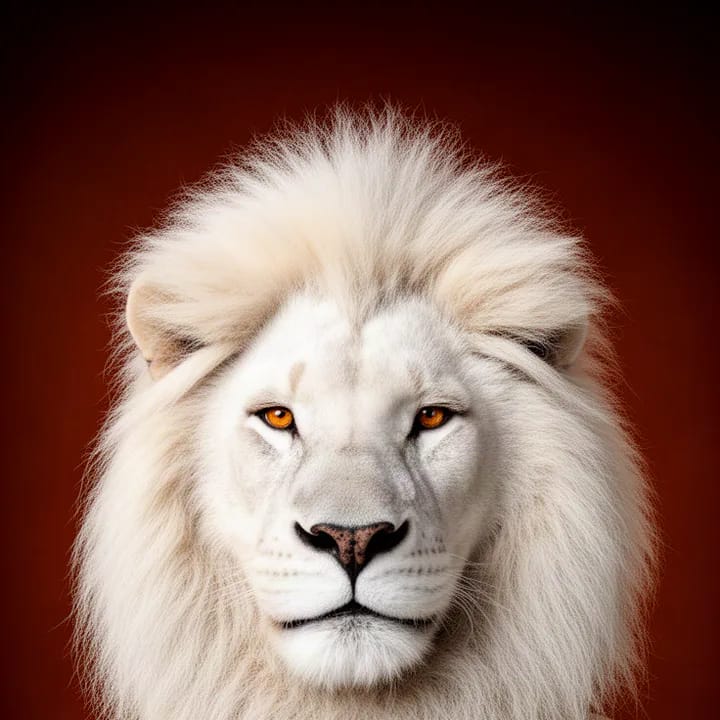
Lion king avatar
A square white-lion avatar for a profile crop.
AI-generated
Embed
Video examples
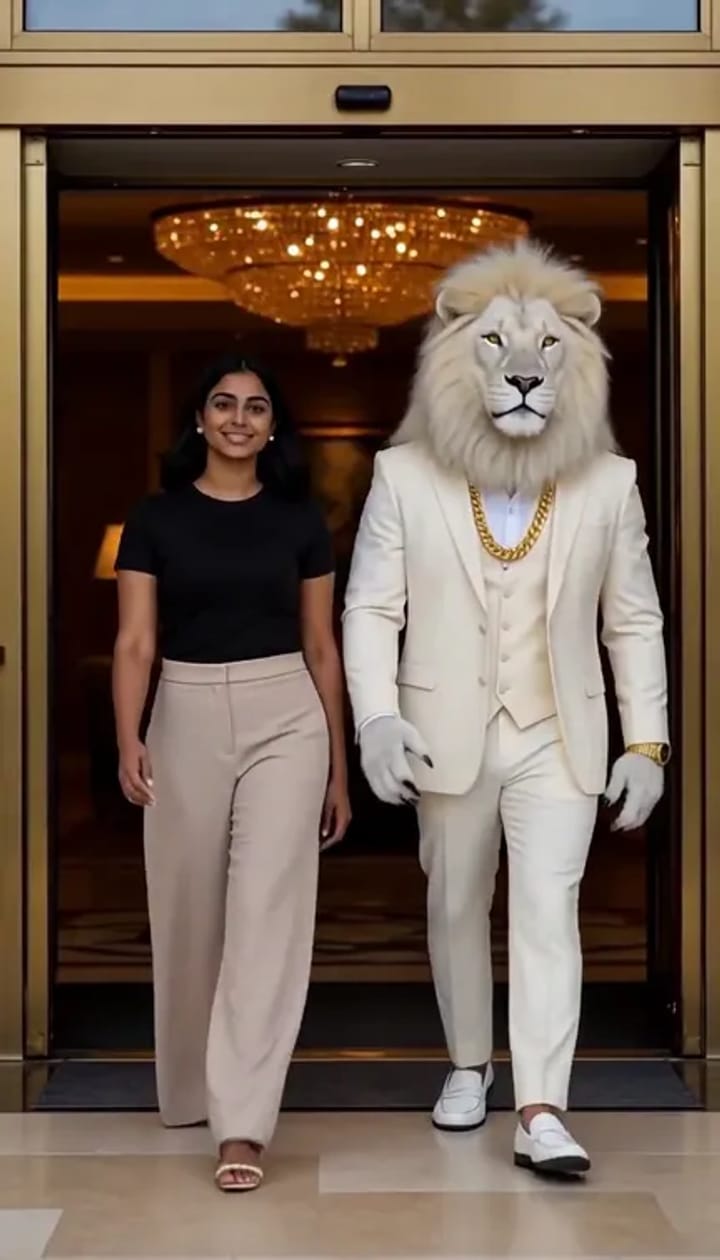
Boss Entry
An entrance beside the fictional white-lion boss.
AI-generated · Video example
Embed
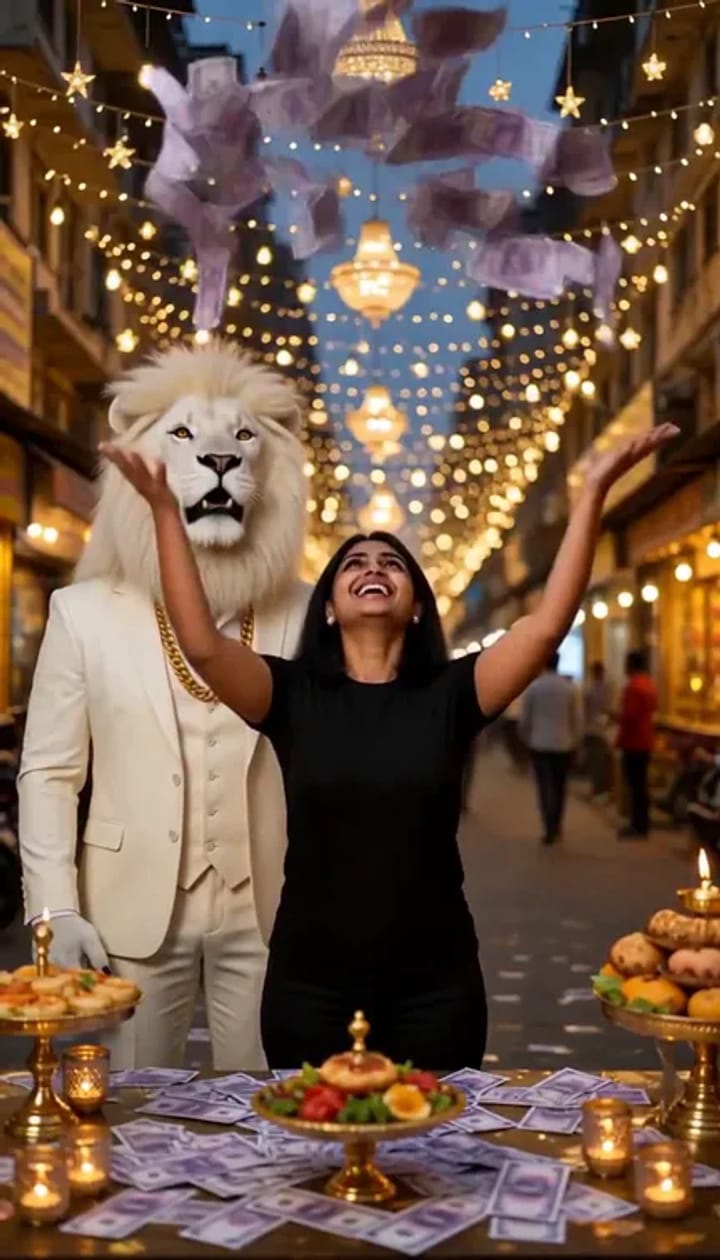
Money Rain
An imaginary celebration with falling banknotes.
AI-generated · Video example
Embed
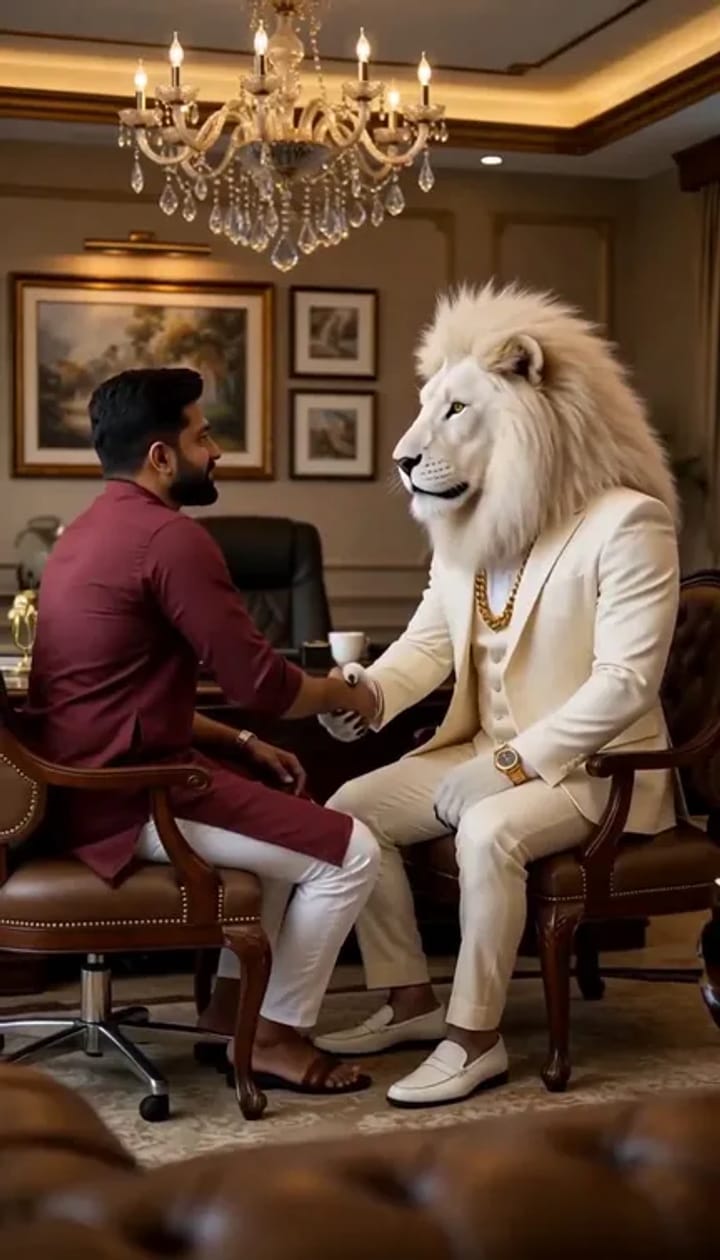
Deal Done
A fictional handshake celebration with Sheru.
AI-generated · Video example
Embed
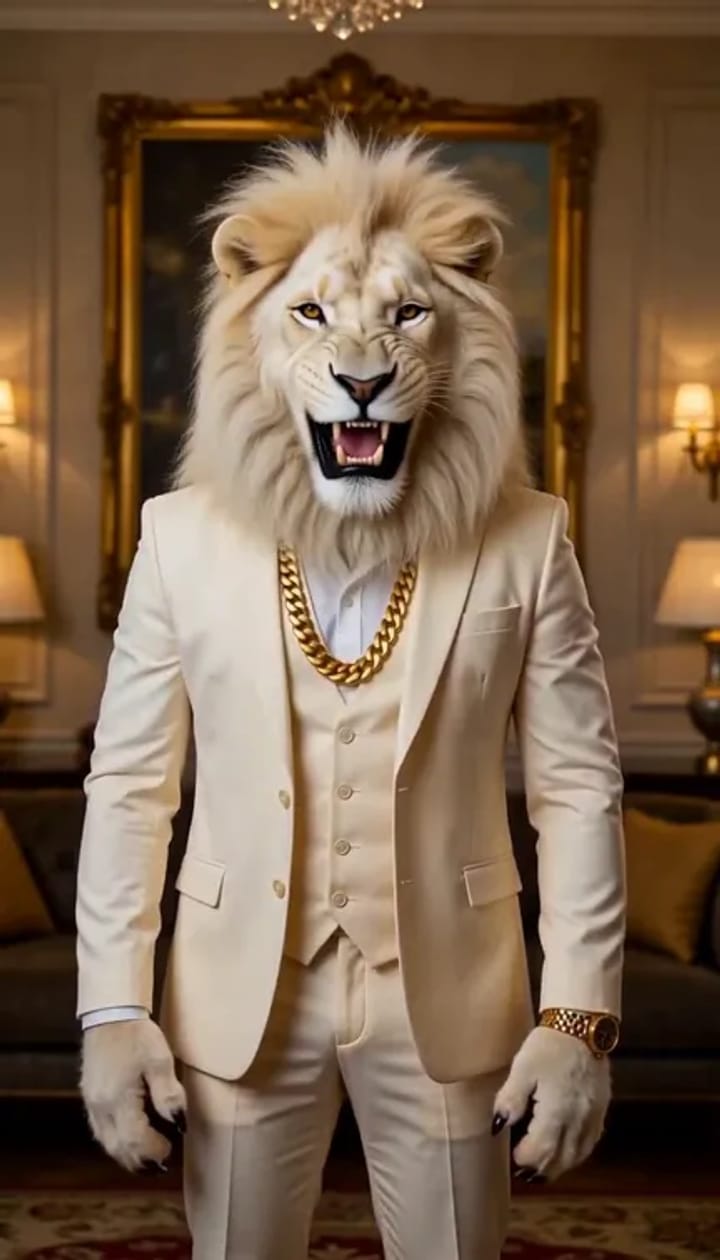
Sheru Transform
A magical white-lion character transformation.
AI-generated · Video example
Embed
Can I embed these photos on my site? Yes, copy the embed code; keep the credit link and AI label.
Save photo opens the image. If your browser does not download it, long-press the picture to save, then attach it in WhatsApp with an AI-generated caption.
White Sheru Bhai photo: what you are seeing
Our Sheru Bhai is an original fictional white lion with a white mane, an ivory suit and a gold chain. He stands upright as a fantasy character. The people in these public examples are AI-generated sample adults. Neither the character nor the scenes are evidence of a real animal encounter, wedding, purchase or business agreement. This page is a collection of existing examples, not a public wall of customer uploads. Your own uploaded photos and generated results stay private.
Choose the scene that fits the feeling you want before opening a large image. The handshake example comes first, followed by baraat. Baraat uses a tall 9:16 frame, useful for WhatsApp Status or an Instagram Story. The 4:5 portraits will leave space above and below when shown inside a 9:16 Status without cropping. The lion avatar is square. These are different original shapes, not a promise that every picture fills every screen. Check faces and the app’s crop before posting; adding a caption should not cover the person’s eyes.
If you are looking for Sheru Bhai pics for a phone wallpaper, choose a portrait that fits your screen and check the crop. The full-size examples you can open or save here are 720 px wide. For a new selfie result, the photo tool requests an original PNG at 720 × 1280 (9:16), 1024 × 1280 (4:5), or 1024 × 1024 (1:1). Download HD PNG saves the result as supplied without upscaling. There is no 4K export.
Save a photo on your phone
Tap a thumbnail for a larger view, or use Save photo to download a 720-pixel JPEG. The grid uses smaller WebP previews. Long-press the actual picture if your browser opens it instead of downloading.
The large view holds only one picture at a time. Close it before choosing another. There is no batch download and no video playing in this gallery. If you are on a limited data plan, save only the ones you want.
A browser may put the image in Downloads or ask where to save it. In an in-app browser, Save photo may open the image instead. Long-press the actual picture and choose your browser’s save or download option. We leave that native gesture available. If the app hides those controls, open this page in your regular phone browser. Do not keep tapping if a slow connection is still loading the picture.
Share honestly on WhatsApp
Share uses the device’s available share options. File sharing needs browser support and permission to fetch a JPEG. When those are unavailable, it shares this gallery’s page link instead. If link sharing is unavailable too, save with a long press, open WhatsApp, and attach the saved photo yourself. The browser decides which apps appear; we cannot promise that WhatsApp is installed or listed.
These examples do not have a visible AI label burned into the pixels. Keep the context by writing “AI-generated fictional scene” in your message, Story or Status caption, including when forwarding. Personal saving and forwarding of these public examples are allowed with that disclosure. Do not impersonate someone, imply a real endorsement, or present an imaginary deal or wedding as an event that happened. Only upload your own photo or a consenting adult’s photo when making a new result, and ask them to approve the result before sharing. Do not upload children’s photos.
Make your own photo in three steps
- Open the Sheru photo generator and upload one clear selfie of yourself, or an adult who has agreed to this use. Use even light and keep one face easy to see.
- Select one of the eight prepared scenes and choose the frame. Compare these examples for the setting, but remember that your face, clothes and final composition can differ. The gallery link opens the generator; choose your scene there.
- Sign in, check the current one-time photo pack, then generate and review your image. On-site generation uses a paid pack. Check the face, hands and invented details before saving; an exact likeness is not guaranteed.
For more preparation help, read the step-by-step Sheru photo guide. Prefer writing your own scene in another tool? The Sheru Bhai prompt guide has public starting points, separate from the site’s presets and paid generation workflow.
Want a moving Sheru example?
The four posters above are marked Video example and are still pictures, not playable clips. Open the Sheru video tool to compare Boss Entry, Money Rain, Deal Done and Sheru Transform. The separate video workflow uses a paid clip pack and makes a roughly six-second vertical result. You do not need to buy a photo first. Read the Sheru video upload and sharing guide for upload preparation, account access and sharing a clip with an AI disclosure.
Sheru Bhai photo FAQ
Is Sheru Bhai a real person or real lion?
No. Sheru Bhai is our original fictional white-lion character. These AI-generated examples are imagined entertainment, not photographs of a real animal or records of actual meetings, business deals or weddings.
Can I save and forward these photos on WhatsApp?
Yes, you may save these public examples for personal use and forward them on WhatsApp. Keep an AI-generated disclosure in the message or Status caption. Do not present the fictional scene as a real event. Long-press the picture if your browser cannot save or share it.
How do I make a Sheru Bhai photo with my own face?
Open the photo generator, upload one clear selfie of yourself or a consenting adult, choose a scene and frame, then sign in and use a paid, one-time photo pack. Review the face and hands before saving. Outputs vary and your own results remain private.
Is there a Sheru Bhai video?
Yes. The separate video tool offers four prepared actions and a paid video pack for a roughly six-second vertical clip. The four images here are video example posters only; this gallery does not load or play video.
Do I need a prompt?
No prompt is needed for our preset photo or video tools. If you want to edit a selfie in another tool, the Sheru Bhai prompt guide has public starting points for photos and image-to-video. Those prompts are separate from the site presets.
Are these photos free to use?
These public examples may be saved and forwarded for personal use with an AI-generated disclosure. The saved images do not include a visible AI label, so add that disclosure in your caption. Do not impersonate anyone or imply a real endorsement. Making your own images on this site requires a paid, one-time pack.