
Boss Entry
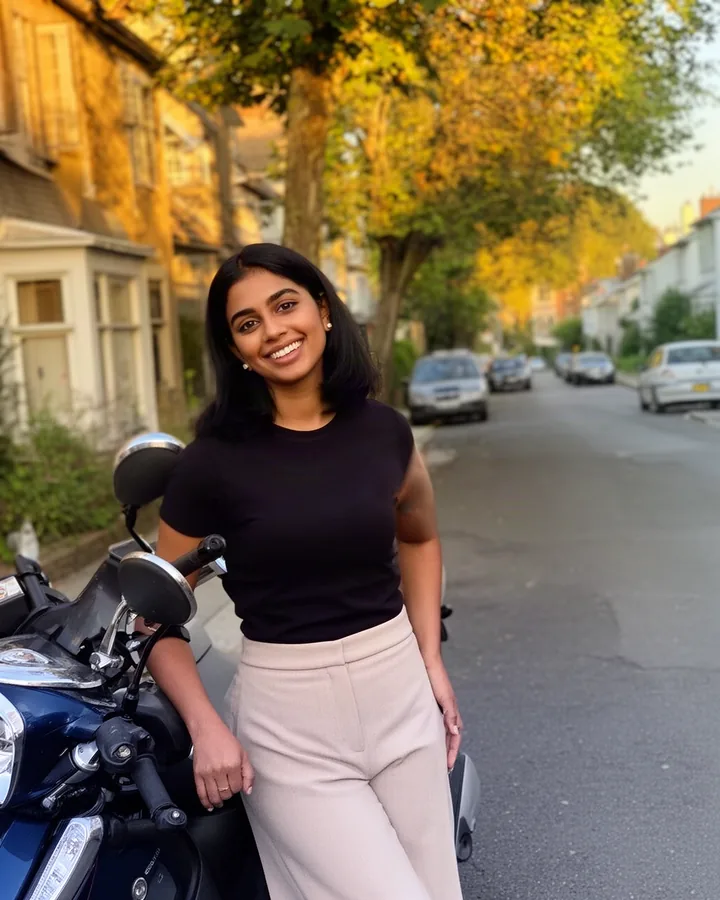
Walk toward the camera beside Sheru Bhai in a slow-motion entrance.
AI-generated example · fictional character
Make an AI Sheru Bhai video from one selfie. Choose four actions, check account access and use a paid video pack for a roughly 6-second vertical MP4.
Make your videoVideos are generated by MiniMax H3 through YIR. Video packs are one-time purchases; one successful video uses one clip, and unused clips never expire. AI-generated entertainment with a fictional character; results may vary.
Sign in to check whether video generation is available for your account and recover any existing clips.
Players show “AI-generated”. Downloads contain AI metadata, not a visible burned-in label. Add a visible AI disclosure when sharing.
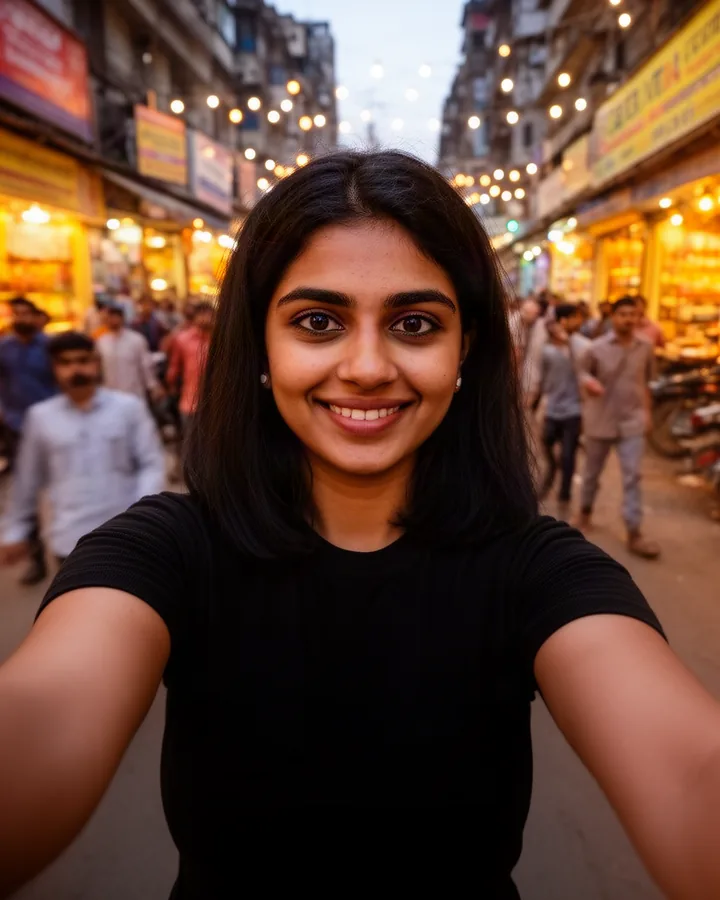
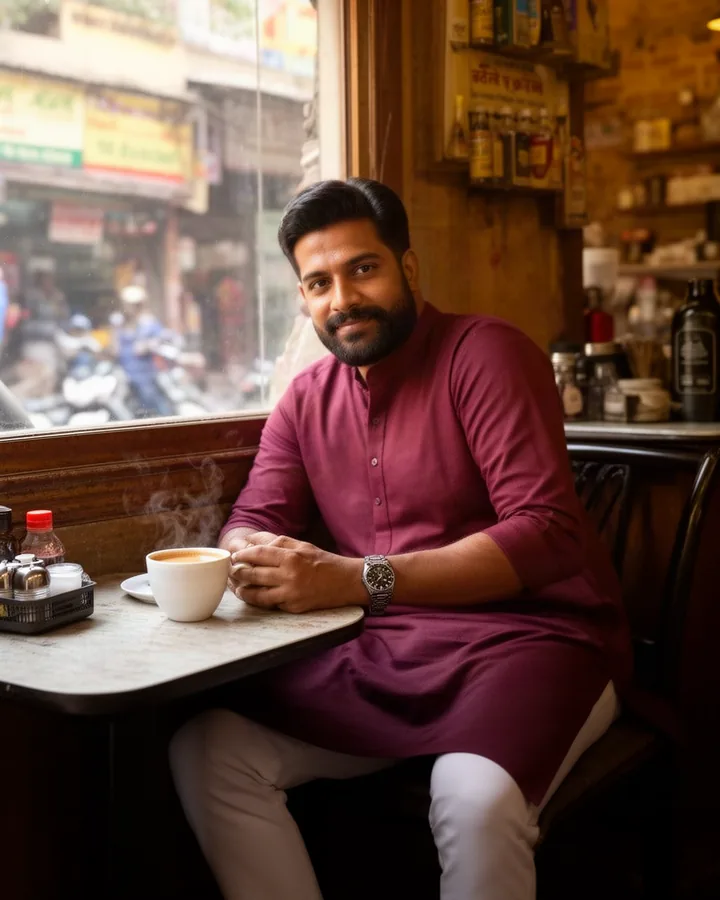
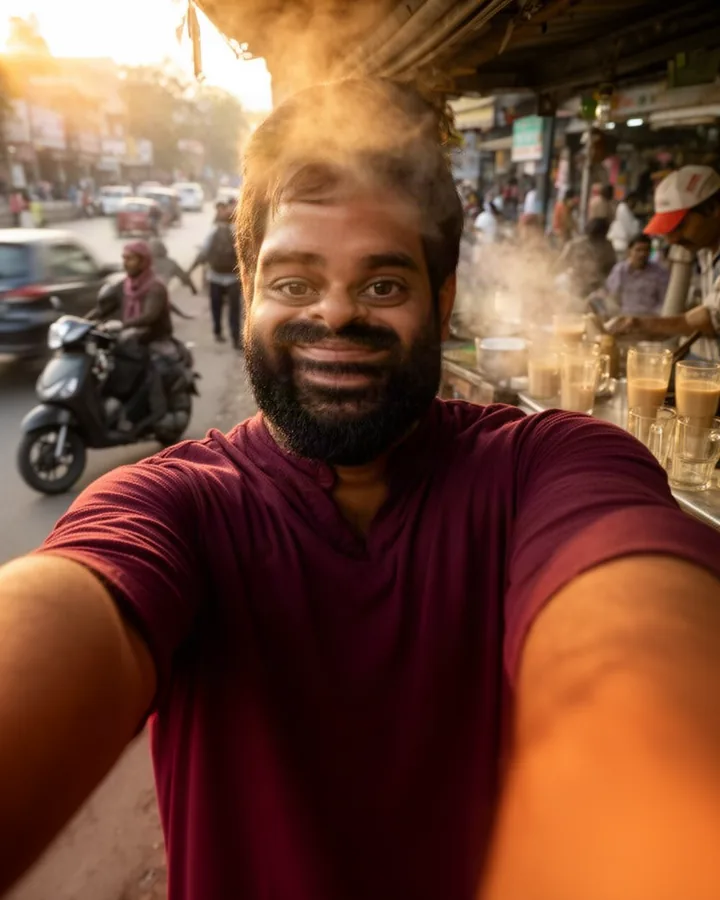
See an input photo become a result video. The actors shown are AI-generated sample people; Sheru Bhai is an original fictional character. Made with MiniMax H3 through YIR. Results may vary, not reproduce these examples exactly.
Browse Sheru Bhai photos and video postersWalk toward the camera beside Sheru Bhai in a slow-motion entrance.
AI-generated example · fictional character
Toss fictional banknotes as Sheru Bhai laughs and the notes drift down.
AI-generated example · fictional character
Finish a handshake, then let Sheru Bhai celebrate with a roar.
AI-generated example · fictional character
Turn your portrait into the fictional white-lion boss in a magical transition.
AI-generated example · fictional character
$2.99 USD
2 clips
About 6 seconds per clip, vertical MP4 with audio.
$6.99 USD
6 clips
About 6 seconds per clip, vertical MP4 with audio.
$7.99 USD
12 photos + 4 clips
About 6 seconds per clip, vertical MP4 with audio.
One-time payment. No subscription. Unused photos and clips never expire. Photo and video allowances are separate and cannot be exchanged.
Explicit video failures return 1 clip automatically. Uncertain submissions stay reserved while checked.
Short answer: one selfie plus one prepared action creates one roughly 6-second vertical video from a paid clip pack.
An AI Sheru Bhai video is a short fictional scene made from one selfie and one prepared action. Choose a selfie of yourself or a consenting adult, select Boss Entry, Money Rain, Deal Done or Sheru Transform, and use one clip from a paid video pack. The output is one vertical 9:16 MP4, about 6 seconds long, at 768P with generated audio.
Sheru Bhai is an original fictional white-lion character. The result is entertainment, not evidence of a meeting, celebration or agreement. Faces, hands, motion, audio or background details can differ from the source and the demo.
You need one clear selfie, a verified email and one available video clip. Upload a JPG, PNG or WebP up to 10 MB file and confirm that the photo is of you or an adult who gave permission. You do not need to buy a photo pack or generate a Sheru photo first. Photo and video allowances stay separate.
The video page is public. Sign in to check whether video generation is available for your account; purchased clips and existing history remain available. Video Starter includes 2 clips, Video Popular includes 6 clips, and the Photo + video combo includes 12 photos and 4 clips. These are one-time purchases; unused allowances never expire. There is no free video trial or subscription.
Boss Entry gives you a slow-motion arrival beside Sheru Bhai. Money Rain adds a celebratory shower of fictional banknotes. Deal Done begins with a handshake and ends with a roar. Sheru Transform changes your portrait into the fictional white-lion boss. All four are prepared single-shot scenes; they are not a custom script, a multi-scene film or a dance routine.
Compare the four demos before spending a clip. Each demo shows one AI-generated sample person and one result, but your face, clothing, background and motion can look different. Use a clear, well-lit photo with an unobstructed face. For more preparation detail, read the selfie photo guide.
Compare choices on the facts that affect your task: whether the tool accepts one selfie, whether it provides a fixed set of actions rather than a free-form prompt, the output length and frame, whether purchases are one-time, and whether results are private to an account. This Sheru tool is designed for four prepared vertical character actions, not for long films, lip-sync, custom music or scene-by-scene editing. If you want a still result, use the Sheru Bhai photo generator instead.
Check the input, number of results, resolution, audio, access, purchase expiry, private history and disclosure requirements together. This page states current Sheru facts without ranking or making unverified claims about another service.
The vertical 9:16 frame fits short-form apps such as Reels, Shorts and WhatsApp Status, but each app crops and overlays controls differently. Preview the downloaded file in the destination app before posting. Do not upload another adult’s photo without their permission. Keep a visible AI-generated disclosure and describe the scene as fictional entertainment. For the complete walkthrough, read the Sheru Bhai video guide.
An explicit failure or safety rejection returns one clip. Keep the request key instead of creating another request when the submission result is uncertain. Sign in to the private history to check whether the clip is still reserved, has returned, or produced a result.
Purchased packs and completed history remain usable when generation is unavailable. Use the support and refund links in the footer if a checked result still needs help. Do not treat an uncertain request as a failed one or buy another pack to retry it.
No. The Sheru video tool uses four prepared actions, so you do not write a prompt here. For editing in another tool, use the public Sheru Bhai photo and image-to-video prompt guide. Copy Sheru Bhai photo and image-to-video prompts.
It is a short AI-generated scene made from your selfie with Sheru Bhai, an original fictional white-lion character. It is entertainment, not footage of a real event.
No. Upload a selfie or select one already saved in your account. A video uses one clip, not a photo allowance. Your photo and our fictional Sheru reference go directly to the video model.
One vertical 9:16 MP4, about 6 seconds long, at 768P with generated audio. Review the result before sharing it to Reels, Shorts or WhatsApp Status.
No. Video packs are one-time purchases of 2 or 6 clips. The combo includes 12 photos and 4 clips. See the current prices in the purchase section. Unused allowances never expire.
An explicit failure or safety rejection returns one clip automatically. An uncertain submission keeps its clip reserved while it is checked; it is not automatically submitted again.
Your collection and downloads require sign-in to your account. The player shows an AI-generated label. MP4 files include AI metadata, but currently do not have a visible burned-in label; keep your own visible AI disclosure when sharing.
Only an adult who gave permission. You must confirm that the photo is of you or an authorized adult before uploading and generating. Photos of minors are not allowed.
The photo generator creates a still image. This video tool turns one selfie and one prepared action into a short video, so it uses a separate clip allowance.
AI-generated entertainment, not real footage. Keep a visible AI disclosure when sharing.