
Sheru Bhai prompt: 8 photos + 4 videos
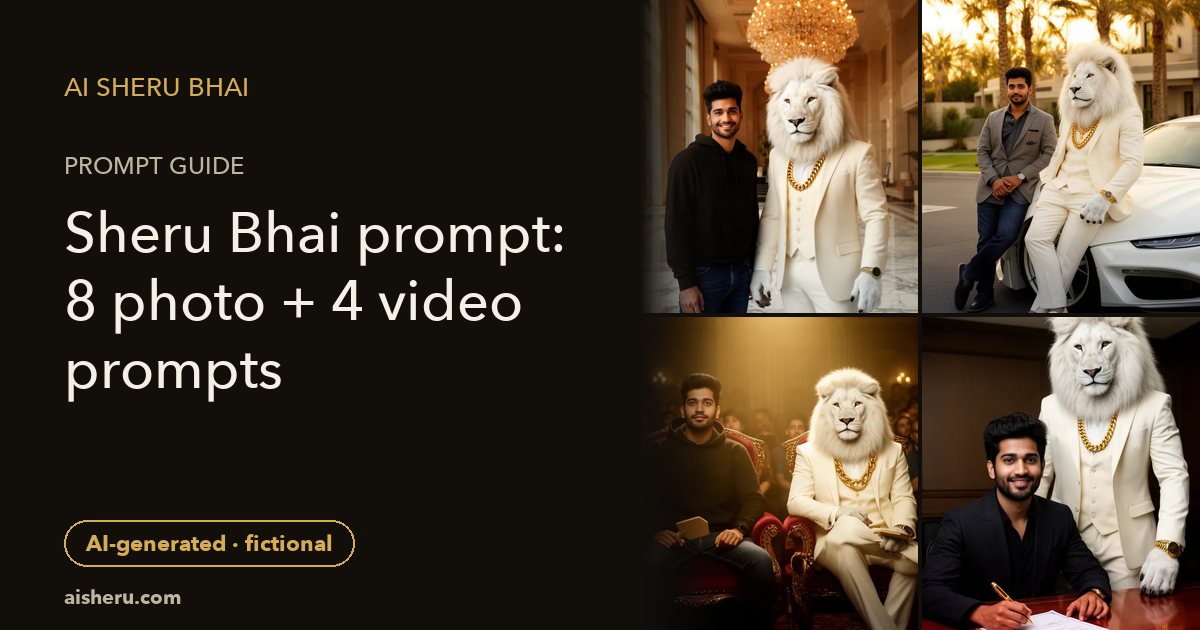
A Sheru Bhai prompt pairs your selfie with an original fictional white lion and a scene. Upload your photo to Gemini or ChatGPT, paste a prompt, then review the result.
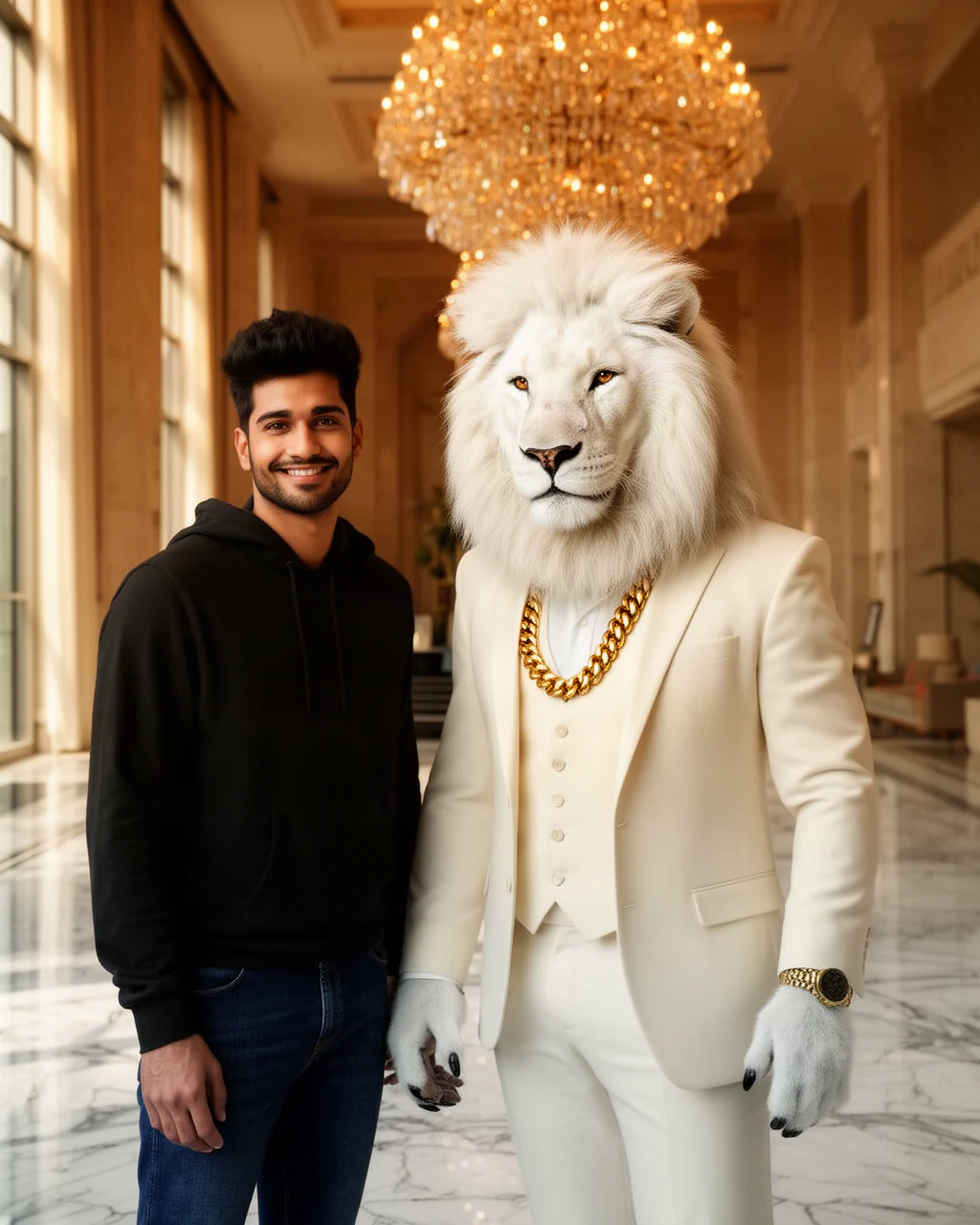
1. Hotel arrival — Sheru Bhai ke saath photo
For a vertical arrival picture, copy this after uploading your selfie.
Edit my uploaded selfie into a 4:5 hotel portrait beside Sheru Bhai: an original fictional white anthropomorphic lion, white mane, ivory suit, gold chain. Keep my face and natural skin tone unchanged. Place us at a hotel doorway, with warm lamps and travel bags. Both faces face the camera. Make this clearly fictional AI artwork.
How to use these prompts in Gemini or ChatGPT
- Open Gemini or ChatGPT and choose an available image-editing option. Upload one clear selfie of yourself, or an adult who has agreed to this use. Check the app’s upload and privacy controls before sending a personal image.
- Copy one complete prompt from this page and paste it with the photo. Ask for an edited image, not a text description. If an option such as Gemini’s “Nano Banana” image editing appears in your app, follow that option’s current instructions; names and availability may change.
- Review the generated face, hands, outfit and background. Change one detail at a time instead of adding many instructions at once. Save only a result you are happy to show, and label it AI-generated when sharing.
These are independent public starting points, not the private recipes used by our generators. We do not promise that any tool will follow every detail. Gemini and ChatGPT are third-party tools; this guide does not claim a partnership, compare their prices or rank their results. Use the option available to you and check its own terms.
For an Android phone on mobile data, start with one scene rather than sending many requests together. Keep a copy of the text if your connection drops. You can select the prompts even when this page’s JavaScript does not load. A copy failure does not mean you need to reload the whole article: long-press the text instead.
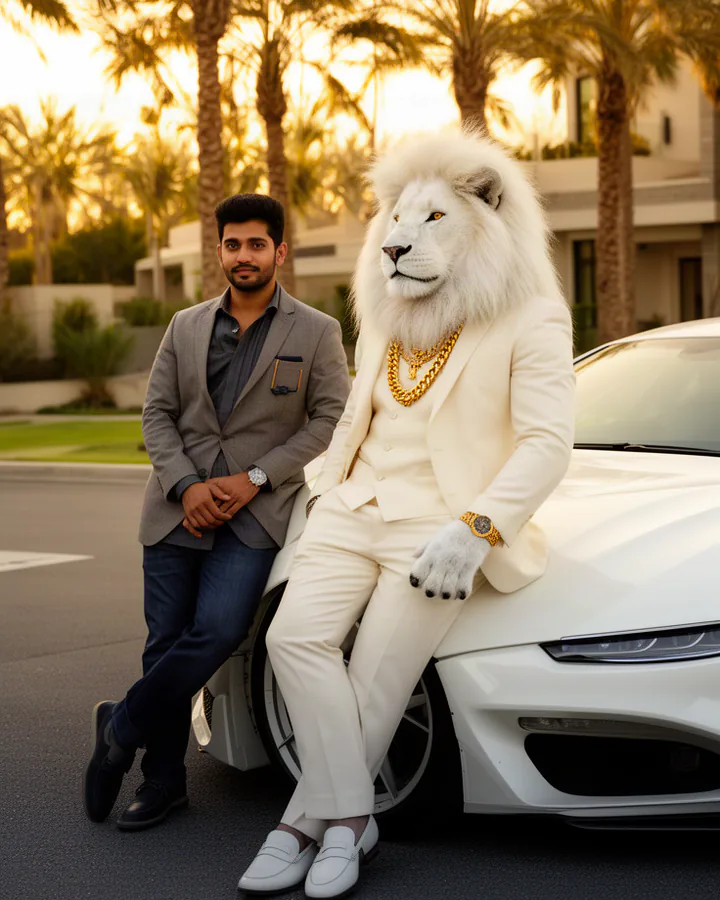
2. Supercar circle
Choose this for a fictional car-side portrait, with room above your heads for a Status caption.
Using the selfie I uploaded, make a vertical 9:16 evening picture of me by a parked, unbranded sports car. Keep my facial features and natural skin tone. Add Sheru Bhai, an original fictional white anthropomorphic lion wearing an ivory suit and gold chain, with a white mane. We stand on opposite sides of the bonnet, smiling toward the lens. Use soft parking lights, a clean driveway and believable body proportions. This is an imagined AI scene, not a real ownership claim.
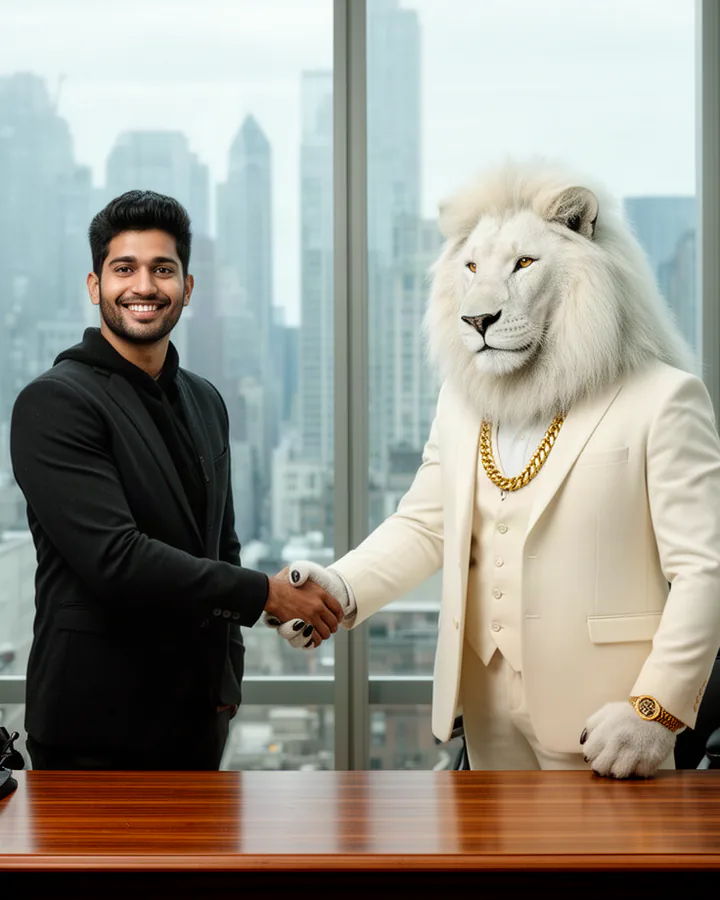
3. Handshake — deal sealed
Use this for a friendly, imaginary business greeting rather than proof of a real deal.
Take my uploaded selfie as the face reference for a 4:5 vertical office illustration with realistic lighting. Retain my face shape, eyes and natural skin tone. Show me greeting Sheru Bhai with one simple handshake at chest height. He is an original fictional white anthropomorphic lion: white mane, ivory suit, gold chain. Place our joined hands clearly between us, away from our faces, with a plain office wall behind. Keep fingers anatomically clear and show this as fictional AI entertainment.
4. Contract — sign the big deal
Try an imagined signing moment with blank paper, so invented text cannot be mistaken for a real document.
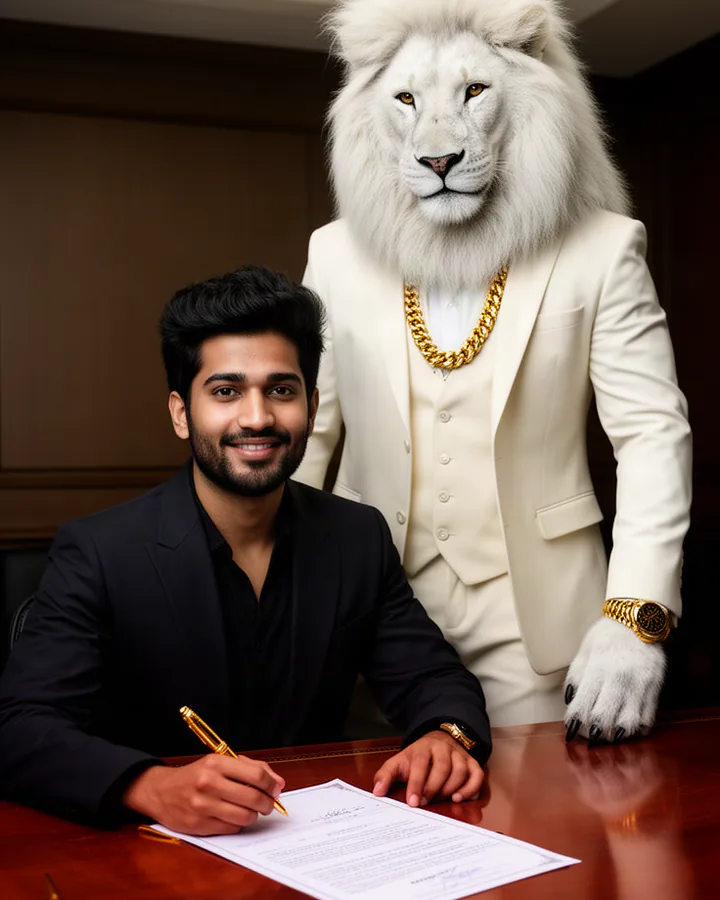
Edit the adult in my selfie into a 4:5 portrait at a small meeting table, keeping my face and natural skin tone recognizable. Put one blank sheet and a closed pen case on the table; my hand holds a pen above the sheet. Sheru Bhai watches from the other chair, an original fictional white anthropomorphic lion with white mane, ivory suit and gold chain. Light the room through a curtain. Leave the paper without names, signatures or readable writing. Present an imaginary AI signing scene.
5. Auction — highest bidder
A plain paddle and quiet background make this easier to read on a small phone screen.
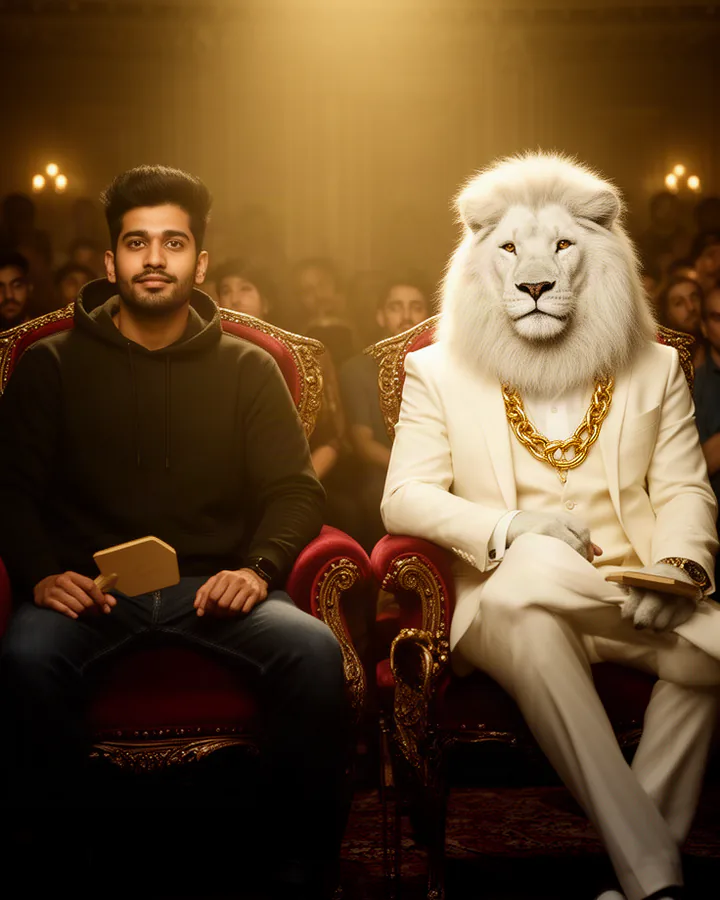
Rework my uploaded selfie as a vertical 4:5 fictional auction portrait. Keep the same human face and natural skin tone. Seat me in the front row holding a plain oval paddle below shoulder level. Beside me sits Sheru Bhai, our original fictional white anthropomorphic lion, with a white mane, ivory suit and gold chain. Place a softly lit display stand far behind us and keep the other seats empty. Avoid readable numbers or brands. Make the imagined event look like AI artwork, not news evidence.
6. Baraat royalty
Bring North Indian wedding details into a tall celebration picture without suggesting you attended a real wedding.
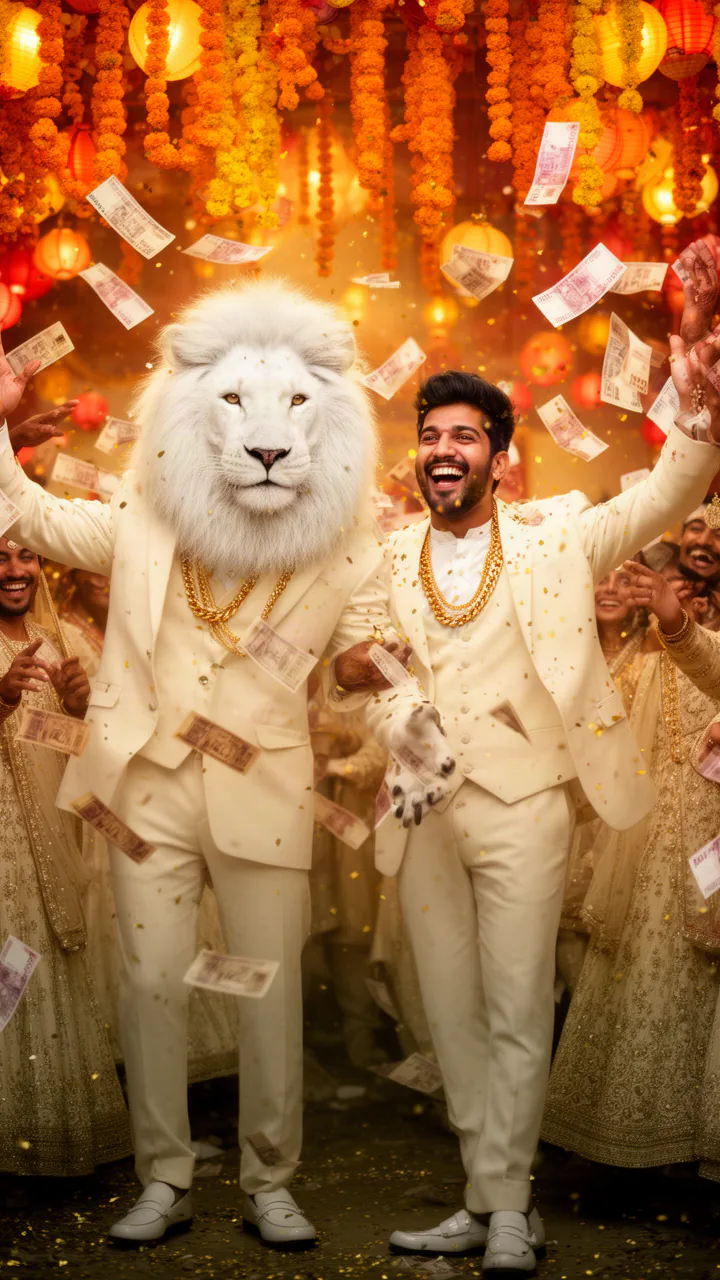
Use my selfie to create a 9:16 North Indian baraat fantasy, preserving my face and natural skin tone. Dress me in a festive sherwani and a safa, with my face unobstructed. Sheru Bhai celebrates nearby: an original fictional white anthropomorphic lion, white mane, ivory suit, gold chain. Behind us, show a decorated ghodi with a handler and bright marigold garlands along the procession path. Keep our hands relaxed and visible, with warm wedding lights overhead. Treat this as an invented AI celebration, not a photograph of an actual wedding.
7. Lion boss mode
Use a gentle fantasy costume effect when keeping your own face matters more than a full animal transformation.
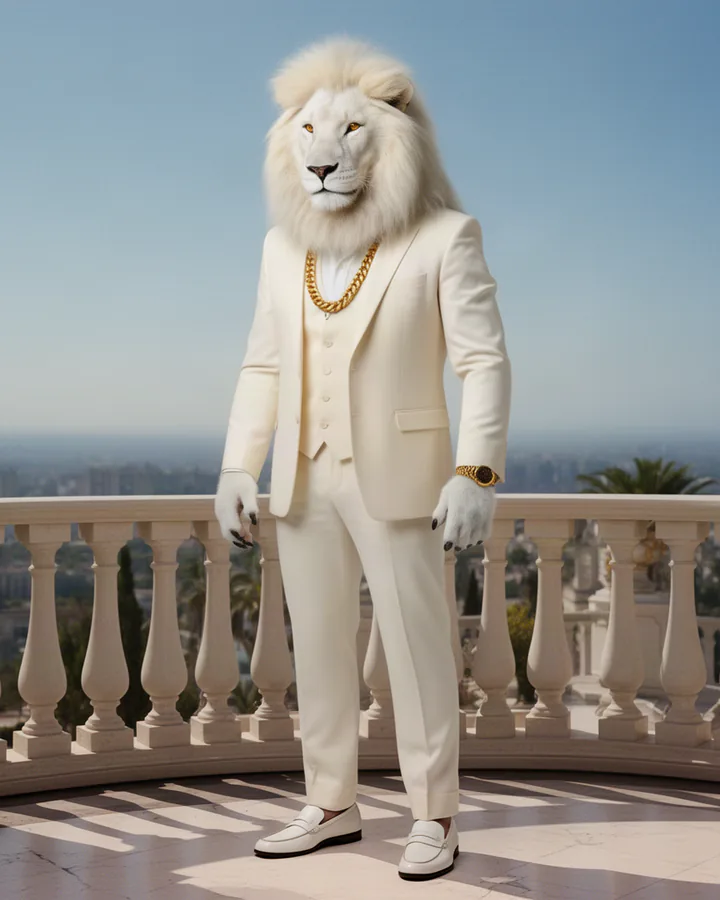
Build a 4:5 vertical lion-boss fantasy portrait from my uploaded selfie. Preserve my human face, expression and natural skin tone inside a white mane-like costume framing my head. Style me after Sheru Bhai, an original fictional white anthropomorphic lion, using an ivory suit and gold chain. Seat me alone in a wide chair on a quiet balcony, with soft morning light on my face. Make the costume edges and hands clear. Keep this an obvious fictional AI character look, not another real person’s identity.
8. Lion king avatar
A close portrait keeps your eyes clear; this vertical version leaves space for a later profile crop.
Make a vertical 4:5 royal fantasy avatar using my selfie. Keep my own face, eye shape and natural skin tone, framed by a sculpted white mane costume rather than replacing my identity. Refer to Sheru Bhai as an original fictional white anthropomorphic lion in an ivory suit with a gold chain. Add a small unbranded crown above the mane, a simple dark blue backdrop and gentle frontal light. Keep my shoulders inside the frame and my face centered for a later square crop. This is AI-generated fantasy.
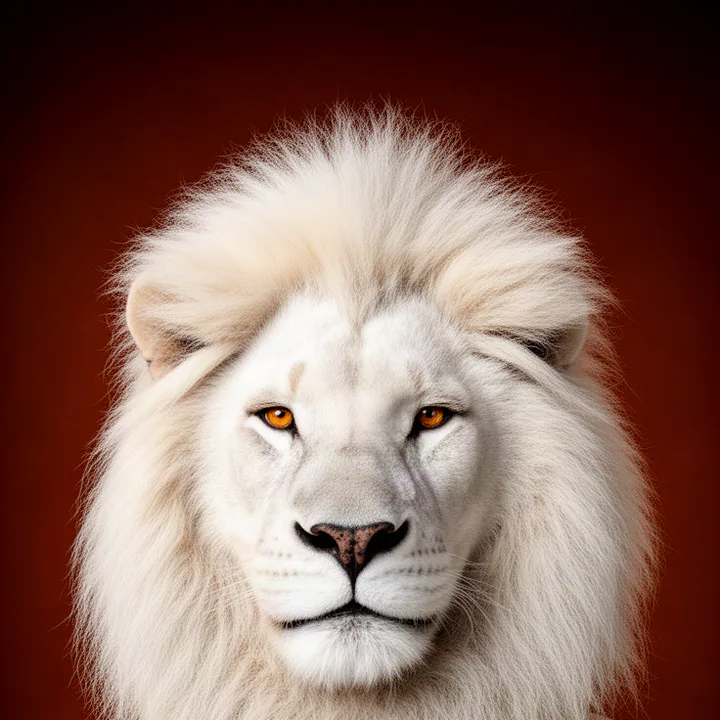
The two lion looks above keep your human face within a fantasy styling treatment. Our existing site examples show fuller transformations, so they illustrate the scene family rather than promise the same output. If you want an animal face instead, expect fewer human identity cues; a lion muzzle cannot also be an unchanged human face. Decide which matters before editing.
Four image-to-video prompts — about 6 seconds, 9:16
First make a still image with your selfie using Gemini or ChatGPT, review it, and upload that approved image to a tool with image-to-video support. Do not assume every image app can animate a picture. These motion prompts describe one short shot; the still should already contain the person, outfit and setting. Aim for about 6 seconds and vertical 9:16, suitable for WhatsApp Status, Reels or Stories. Tool output sizes vary, so check the export settings yourself.
Boss Entry
Use a reviewed still of you beside the lion at a doorway, with space below for two small steps.
Animate my uploaded, approved selfie-based image as a roughly 6-second 9:16 shot. Keep my face and natural skin tone stable. Keep Sheru Bhai as the original fictional white anthropomorphic lion in the still, with white mane, ivory suit and gold chain. We take two measured steps out of the doorway, then pause and smile. The camera stays at eye height and moves backward gently to keep both faces visible. Retain the same doorway, clothes and lighting throughout this fictional AI entrance.
Money Rain
Use a celebration still and clearly invented paper props, not a claim about wealth or earnings.
Turn my uploaded selfie-based celebration still into about 6 seconds of vertical 9:16 motion. Retain my face and natural skin tone, and Sheru Bhai’s white mane, ivory suit and gold chain: he is an original fictional white anthropomorphic lion. A few blank gold paper slips float down in front of the background while we smile; keep our faces uncovered. Use a stationary waist-up camera and gentle hand movement. Preserve the room and outfits. The falling slips are fictional party props, not actual currency or earnings.
Deal Done
Start with hands already joined; asking for less motion can make the handshake easier to follow.
From my uploaded, reviewed handshake image, create a 9:16 clip lasting about 6 seconds. Keep the human face and natural skin tone unchanged. Sheru Bhai remains an original fictional white anthropomorphic lion, white mane, ivory suit and gold chain. Begin with our hands joined, move them once gently up and down, then release and smile at each other. Hold a steady medium camera view with our fingers below face level. Keep the office layout and light fixed. This is a fictional AI agreement celebration.
Sheru Transform
Use your approved fantasy portrait. This version changes the styling around your face, not your human identity.
Animate my uploaded selfie-based portrait for about 6 seconds in 9:16. Keep my facial structure and natural skin tone visible throughout. Let a soft white mane costume appear around my head while my outfit becomes an ivory suit with a gold chain, inspired by Sheru Bhai, an original fictional white anthropomorphic lion. Begin with the source portrait, introduce the fantasy styling slowly, and end with a calm smile. Keep the camera still, background unchanged and only one head visible. Show a clearly magical AI costume transition.
Troubleshooting before another attempt
My face does not match
Start again from the original selfie, not a screenshot of a failed generation. Choose a single adult face in even light and remove distracting accessories. Ask to preserve face shape, eyes and natural skin tone. Reduce the number of props and request a closer frame. A prompt cannot guarantee an exact match, especially when the source face is blurred or tiny.
The lion is brown, ordinary or missing his outfit
Repeat the concrete identity details: original fictional white anthropomorphic lion, white mane, ivory suit, gold chain. Explain that he stands upright like a fantasy character, separate from the human subject. Avoid adding several animal descriptions that compete with one another. Request a neutral light on the mane so a warm lamp does not make white fur appear orange.
Hands or text look warped
Use a simpler pose, fewer props and hands resting in view. For a contract or auction scene, ask for blank paper and an unmarked paddle. Add your own caption later in an editor instead of expecting the model to render small letters. Check fingers, pen contact and reflections before sharing. Never use an invented document as evidence of a real agreement.
The tool refuses the request
Respect the tool’s decision and read its explanation. If the wording was unclear, describe an original fictional lion character and an authorized adult selfie, without celebrity names, endorsement claims or a real event claim. Remove ambiguous impersonation language and explain the fantasy context honestly. Do not hide disallowed intent or keep rewriting to bypass a safeguard; choose a permitted idea instead.
Skip the prompt: use prepared scenes instead
Writing your own prompt gives you scene details to adjust in another tool, but it also means checking each edit yourself. If you prefer not to write one, the Sheru photo generator takes one selfie and offers eight preset scenes. Choose a scene and frame; generation uses a paid, one-time photo pack. It does not accept a custom prompt from this article.
The Sheru video tool uses one selfie and four prepared actions, with a separate paid clip allowance. Its page is public; sign in to check generation access for your account. You do not need to buy photos first. These are different workflows, not promises that a copied prompt will create the same image or video as a site preset.
Read the step-by-step Sheru selfie photo guide for input preparation, or the Sheru video creation guide for the existing video workflow. Check the current tool page before buying a pack. This article does not introduce a new price, plan or generation entitlement.
Sheru Bhai prompt FAQ
Is the Sheru Bhai prompt free to copy?
Yes. You may copy the public prompt text on this page. Image and video generation are separate: check the tool you use for its current terms. The generators on aisheru.com use paid, one-time packs, not a free generation offer.
Which app works best?
There is no single best app promised here. Try an image-editing option in Gemini or ChatGPT that accepts your photo. Available features and results can differ. Start with one scene and compare the face and character before sharing.
Why doesn’t it look like me?
The model may redraw facial details. Use a sharp, evenly lit selfie with one adult face, and ask it to keep your face shape, eyes and natural skin tone. Simplify the scene and try again; an exact likeness is not guaranteed.
Can I make a video?
Yes. First make and review a still image, then use an image-to-video tool with one of the four motion prompts above. Aim for about 6 seconds in 9:16. The separate Sheru video tool uses prepared actions and a paid clip pack, with account access checked after sign-in.
Is Sheru Bhai a real person or brand?
Sheru Bhai here is our original fictional white-lion character, not a real person or a claim of endorsement by another brand. These scenes are AI entertainment, not records of actual meetings, deals or weddings.
Can I use a friend’s photo and share the result?
Only use your own photo or a consenting adult’s photo. Let that person review the result. Do not impersonate anyone or present an invented event as real, and label the picture or clip as AI-generated when you share it.
Keep the fantasy clear when sharing
Sheru Bhai is an original fictional character. Use only your own photo or a consenting adult’s photo; do not use children’s photos. Ask the adult to approve the final image too. Do not impersonate a real person, imply a real endorsement, or present a fake meeting, purchase, contract or wedding as something that happened.
Label every shared picture or clip as AI-generated. Put the label in a visible caption or on the media, including when forwarding it on WhatsApp. Leave space around faces for the app’s interface and check the crop before posting. A 9:16 frame is a useful starting point for Status and Reels; a 4:5 portrait gives more room for a photo post. Neither framing choice removes the need for consent and honest context.
Browse the saveable Sheru Bhai sample pictures to save and share existing AI-generated examples before choosing your own scene.